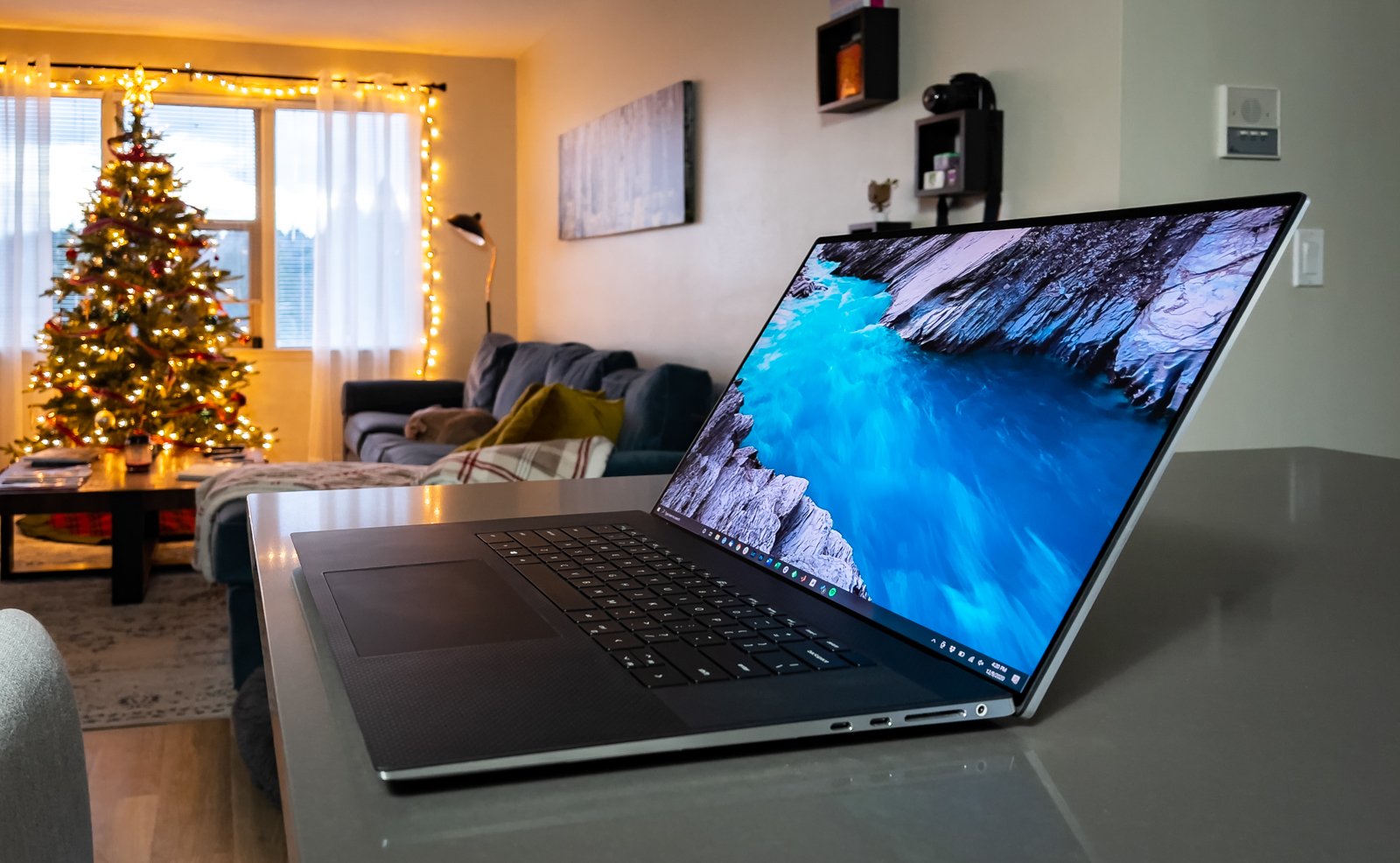
This address once displayed a hands-on review of the 2020 Dell XPS 17. Photography Discover did not test that laptop or run the benchmarks described in that review. We have removed the reproduced review and its old retailer links. For the test results and the author’s account, read DL Cade’s original XPS 17 review at PetaPixel.
Check the exact configuration before buying
“XPS 17” covers more than one configuration and year. Match a listing’s full model identifier and service information to Dell’s documentation. Check the processor, graphics option, memory, storage, display panel and available ports on the actual machine; a benchmark from the 2020 review does not establish the performance of a different configuration.
For a used laptop, ask about battery condition, display defects, charger and return terms. For a new or refurbished unit, confirm the seller’s warranty and current driver support. These checks matter more than a historical price quoted in an older review.
Photo-editing priorities
Choose the screen and memory for the files you edit, then check whether the computer’s storage and ports fit your backup and card-reader workflow. If color accuracy is central to your work, look for a measurement of the specific display panel you would receive. The original PetaPixel review provides historical context; this page is a buying checklist, not a new product test or a current recommendation.