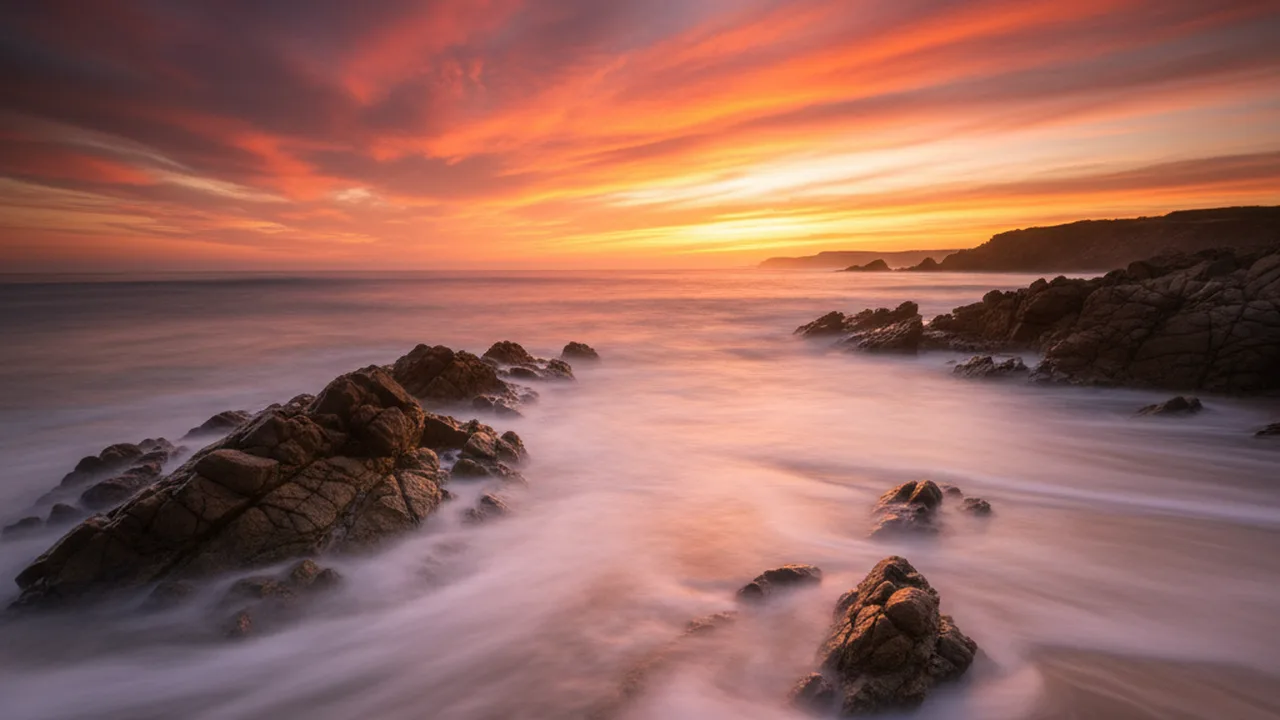
A 30-second exposure can transform crashing ocean waves into a soft, ethereal mist — or turn a busy highway into rivers of red and white light. Long exposure photography is one of the most rewarding techniques you can learn, and the results are impossible to replicate with any phone filter or Photoshop trick. The effect is real, captured entirely in-camera, and it changes how you see the world.
Auf einen Blick: A 30-second exposure can transform crashing ocean waves into a soft, ethereal mist — or turn a busy highway into rivers of red and white light. Long exposure photography is one of the most rewarding…
This guide breaks down every setting, technique, and piece of gear you need to start shooting long exposures — from your first 1-second waterfall shot to 5-minute star trail compositions. You’ll get specific camera settings for different scenarios, a clear equipment checklist, and practical solutions for the most common mistakes.
Contents
- 1 What Is Long Exposure Photography?
- 2 Essential Gear for Long Exposure Photography
- 3 Camera Settings for Long Exposure Photography
- 4 Step-by-Step: How to Shoot Long Exposures
- 5 Four Long Exposure Techniques That Create Stunning Results
- 6 Common Long Exposure Mistakes (and How to Fix Them)
- 7 Post-Processing Long Exposure Photos
- 8 Frequently Asked Questions
- 9 Final Thoughts
What Is Long Exposure Photography?
Long exposure photography uses a slow shutter speed — typically anything from half a second to several minutes — to capture movement over time in a single frame. While a fast shutter speed (1/1000s or higher) freezes motion, a long exposure does the opposite: it records everything that moves while the shutter stays open.
The result? Moving water becomes silk. Clouds streak across the sky. Car headlights draw continuous lines through the frame. Stars rotate into circular trails. Anything that moves becomes a blur, while anything stationary stays sharp.
The technique works because your camera’s sensor (or film) keeps collecting light for the entire duration of the exposure. A person walking through your 30-second shot becomes a ghost — or disappears entirely. A waterfall that takes 0.5 seconds to splash past becomes a smooth, milky cascade.
Long exposure photography falls into two broad categories:
| Type | Shutter Speed Range | Typical Subjects | ND Filter Needed? |
|---|---|---|---|
| Daytime long exposure | 1s – 5 minutes | Waterfalls, clouds, ocean, crowds | Yes (6–10 stop ND) |
| Nighttime long exposure | 5s – 30 minutes+ | Star trails, light trails, cityscapes | Rarely |
Essential Gear for Long Exposure Photography
You don’t need expensive gear to start, but there are a few non-negotiable items. Without a tripod, for example, long exposure photography is physically impossible — your hands simply can’t hold a camera steady for multiple seconds.
Here’s what you actually need, ranked by importance:
Must-Have Equipment
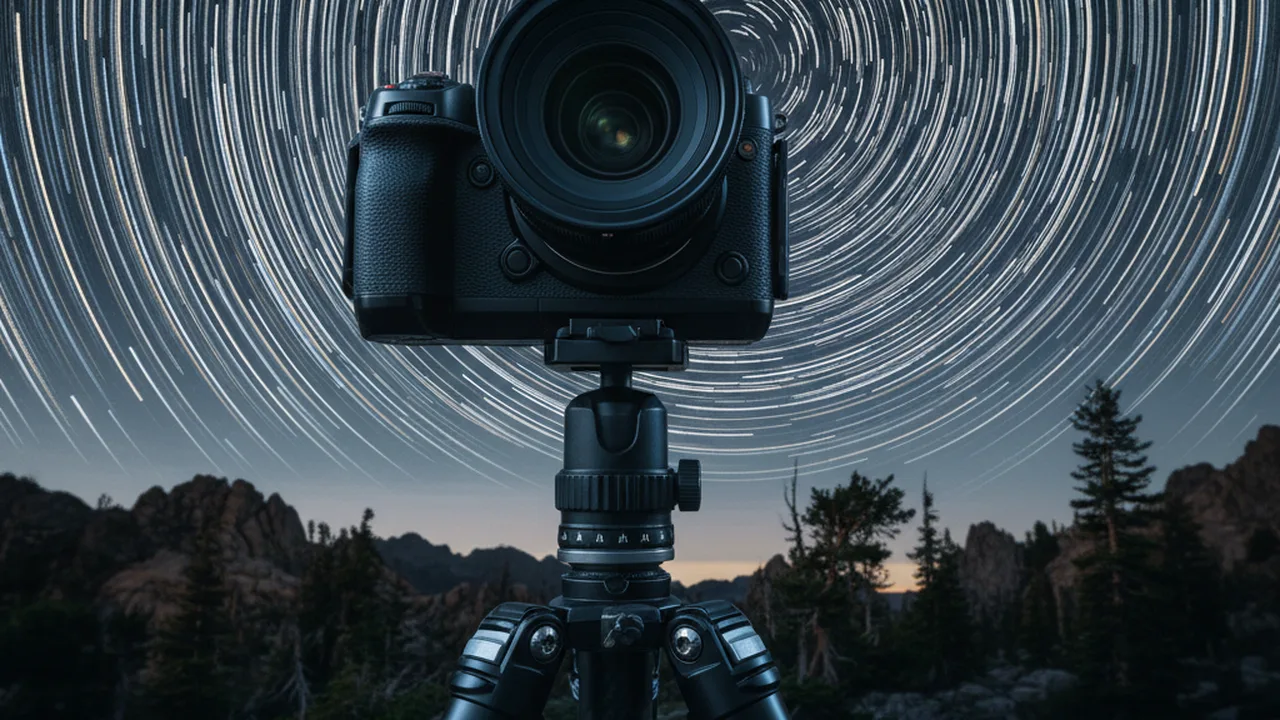
Sturdy tripod. This is your foundation. A shaky tripod ruins everything. Look for one rated to hold at least 1.5x your camera+lens weight. Carbon fiber models resist wind vibration better than aluminum. Budget pick: the best tripods under $100 can handle most setups.
🎯 Recommended: Peak Design Travel Tripod (Aluminum)
The Peak Design Travel Tripod packs down to just 15.4 inches and deploys in seconds. It’s incredibly stable for its weight (3.44 lbs) and supports up to 20 lbs — more than enough for any mirrorless or DSLR setup with a telephoto lens. The ball head is built-in, and the whole package fits in a carry-on. If you’re serious about long exposure photography, this is the tripod to beat.
Camera with Manual mode. Any camera that lets you control shutter speed, aperture, and ISO works. Most mirrorless and DSLR cameras have Manual (M) and Bulb (B) modes. Even some advanced compacts qualify. If you’re unsure which body to choose, our best cameras for beginners guide covers solid options.
Remote shutter release or intervalometer. Pressing the physical shutter button at slow speeds introduces camera shake. A wired or wireless remote (or your camera’s built-in 2-second timer) eliminates this problem. For exposures longer than 30 seconds (Bulb mode), an intervalometer lets you set exact durations.
🎯 Recommended: JJC Intervalometer Timer Remote Shutter Release
A dedicated intervalometer lets you program exact exposure times beyond 30 seconds (Bulb mode), set intervals for star trail stacking, and trigger the shutter without touching the camera. This JJC model works with most Sony cameras and is a fraction of the price of first-party remotes.
Nice-to-Have Gear
ND (Neutral Density) filters. Essential for daytime long exposure. A 6-stop ND turns a 1/30s exposure into a 2-second exposure. A 10-stop ND turns it into 30+ seconds. We covered everything you need to know in our complete ND filter guide.
🎯 Recommended: K&F Concept 67mm Magnetic ND Filter Kit
This magnetic ND filter set includes ND8, ND64, and ND1000 filters with a magnetic adapter ring — swap between filters in seconds without unscrewing anything. Multi-coated glass minimizes color cast. The ND1000 (10-stop) is exactly what you need for silky daytime water and streaked cloud shots. Available in multiple thread sizes.
Lens hood. Prevents stray light from hitting the front element and causing flare — especially important for night shoots near street lights.
Spare batteries. Long exposures drain batteries fast, especially in cold weather. Bring at least two fully charged spares.
Camera Settings for Long Exposure Photography
Getting your settings right is the difference between a striking image and a blown-out, blurry mess. Here’s a practical settings reference for the most common long exposure scenarios:
| Scenario | Shutter Speed | Aperture | ISO | Notes |
|---|---|---|---|---|
| Silky waterfall | 0.5s – 2s | f/8 – f/16 | 100 | ND filter if bright daylight |
| Smooth ocean / lake | 15s – 120s | f/8 – f/11 | 100 | 6–10 stop ND required in daylight |
| Streaked clouds | 30s – 300s | f/8 – f/11 | 100 | 10-stop ND; clouds need wind |
| Car light trails | 10s – 30s | f/8 – f/16 | 100–200 | Shoot during blue hour for best sky |
| Star trails | 20min – 2hr (stacked) | f/2.8 – f/4 | 400–1600 | Stack 30s frames in post |
| Milky Way (single frame) | 15s – 25s | f/1.4 – f/2.8 | 3200–6400 | Use 500 rule for max shutter |
💡 Pro tip: Always shoot in RAW format. Long exposures often need white balance and exposure adjustments in post-processing, and RAW files give you far more latitude than JPEGs. Our RAW editing guide walks you through the complete workflow.
Step-by-Step: How to Shoot Long Exposures
Knowing the theory is one thing — executing it in the field is another. Follow this sequence every time you set up for a long exposure shot, and you’ll avoid the most common mistakes.
1. Scout Your Location and Timing
Arrive at least 30 minutes before you plan to shoot. Watch how clouds move, where waves break, which direction traffic flows. Long exposure is about capturing movement — you need to understand the movement patterns before you commit to a composition.
For water and cloud shots, golden hour and blue hour (the 30 minutes before sunrise and after sunset) offer the best balance of ambient light and drama. For light trails, shoot right after sunset when the sky still has color but headlights are on.
2. Set Up Your Tripod on Solid Ground
Extend the thicker leg sections first (they’re more stable). Don’t extend the center column unless absolutely necessary — it’s the weakest point. On sand or soft ground, push the legs in deeper. On windy days, hang your camera bag from the center hook for extra weight.
3. Compose and Focus Without Filters
If you plan to use an ND filter, do all your composing and focusing before attaching it. A 10-stop ND makes your viewfinder nearly black — autofocus won’t work, and you can’t see your composition.
Focusing technique: Switch to Live View, zoom to 10x on your focus point, and use autofocus or manual focus to get the sharpest result. Once locked, switch your lens to Manual Focus (MF) so it doesn’t re-focus when you press the shutter.
4. Take a Test Shot at Normal Speed
Before committing to a long exposure, take a test photo at a normal shutter speed (say 1/125s at f/4, ISO 800). Check two things:
- Composition — Is the horizon straight? Are there distracting elements at the edges?
- Focus — Zoom in on your LCD to 100%. Is the focus point sharp?
Fix any issues now. Waiting 2 minutes for a long exposure only to find the focus was slightly off is incredibly frustrating.
5. Calculate Your Long Exposure Settings
If you’re adding an ND filter, you need to calculate the new shutter speed. The math is straightforward:
New shutter speed = Base shutter speed × 2^(filter stops)
For example: if your test shot was correctly exposed at 1/30s, and you’re adding a 10-stop ND filter:
1/30 × 2^10 = 1/30 × 1024 ≈ 34 seconds
| Base Shutter Speed | + 6-Stop ND | + 10-Stop ND |
|---|---|---|
| 1/500s | ~1/8s | ~2s |
| 1/125s | ~0.5s | ~8s |
| 1/30s | ~2s | ~34s |
| 1/4s | ~16s | ~4 min |
Most ND filter apps (like PhotoPills or NiSi’s Exposure Calculator) do this math instantly. Worth installing on your phone before heading out.
6. Attach the Filter, Set Bulb Mode, and Shoot
Mount your ND filter carefully — don’t bump the focus ring. Switch to Bulb (B) mode if your exposure exceeds 30 seconds. Use your remote shutter release to start and stop the exposure. Cover the viewfinder (or use the built-in eyepiece shutter) to prevent light leak from the back of the camera affecting the exposure.
7. Review and Adjust
Check your histogram after each shot. The biggest risk with long exposure is overexposure — ND filter calculations aren’t always perfect, and ambient light can change quickly during golden hour. If the histogram is pushed too far right, reduce the exposure time by 20–30% and reshoot.
Four Long Exposure Techniques That Create Stunning Results
Once you’ve nailed the basics, these specific techniques will expand your creative range dramatically.
Silky Water (Waterfalls, Rivers, Ocean)
This is the most popular long exposure effect, and for good reason — it transforms chaotic, splashing water into a dreamlike flow that contrasts beautifully with sharp surrounding rocks and foliage.
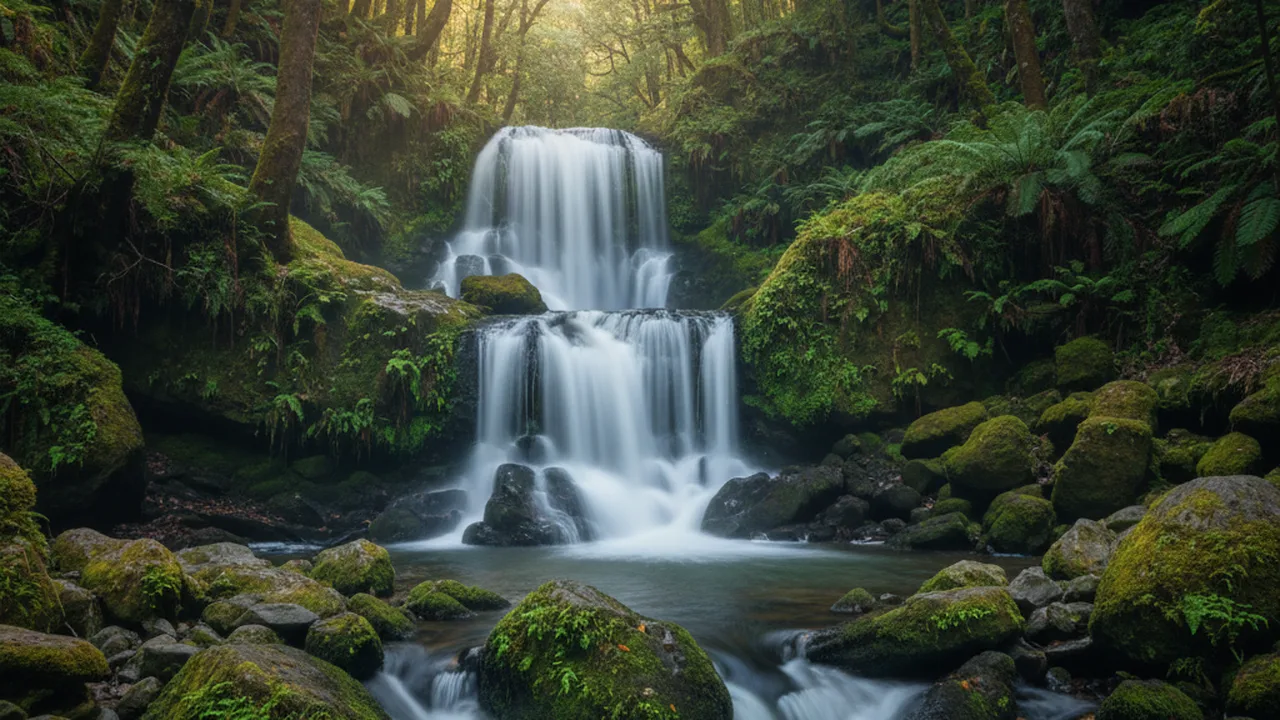
The sweet spot: 0.5–2 seconds for waterfalls that retain some texture. Go beyond 5 seconds and the water becomes a featureless white sheet — sometimes dramatic, but often less interesting. Experiment with the duration to find what suits the specific waterfall.
For ocean waves, try 15–30 seconds to turn the surf into fog around rocks. At 1–2 minutes, even choppy seas become perfectly flat and mirror-like.
Light Trails (Cars, Trains, Ferris Wheels)
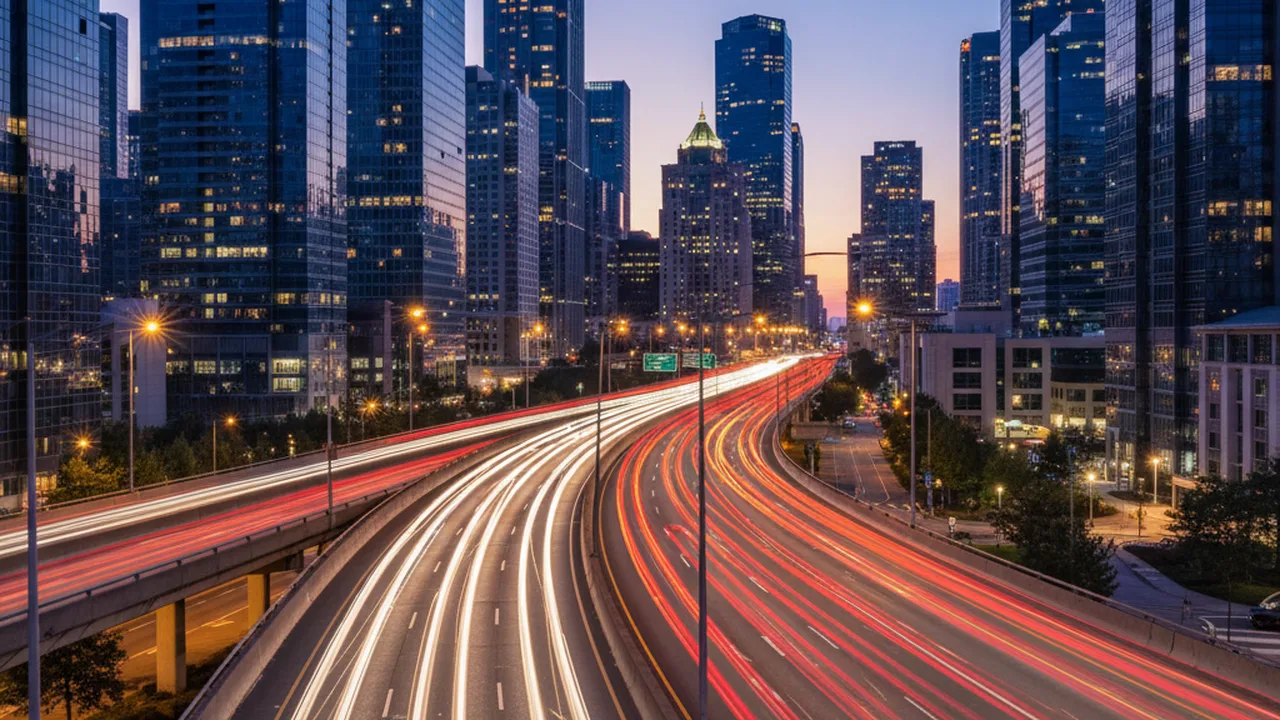
Moving lights produce continuous lines when exposed over time. The key is finding a location where traffic flows consistently — gaps in traffic create breaks in the trails that weaken the image.
Settings: f/8–f/16, ISO 100, 10–30 seconds. Bridges over highways, overpasses, and city intersections all work well. Blue hour (15–30 minutes after sunset) gives you the best sky color. Stack multiple exposures in Photoshop to build up denser trail patterns.
Star Trails
The Earth’s rotation causes stars to appear as arcs across the sky. Point your camera at Polaris (North Star) to get concentric circles; point it east or west for diagonal trails.
Two methods:
- Single long exposure: 20–60 minutes, f/4, ISO 200. Simple but risky — if anything goes wrong, you lose the entire shot.
- Image stacking (recommended): Take 100–200 consecutive 30-second exposures, then merge them in free software like StarStax or Sequator. This gives you identical results with far less risk, plus you can remove individual frames with airplane trails or headlights. For tips on capturing the night sky, see our Milky Way photography guide.
Motion Blur for Creative Effect
Long exposure isn’t just for landscapes. Use shutter speeds of 1/2s to 2 seconds in crowded spaces (train stations, markets, crosswalks) to blur pedestrians into ghostly streaks while buildings stay sharp. This technique works especially well at night when artificial lighting creates colored blur trails from moving people.
Common Long Exposure Mistakes (and How to Fix Them)
Even experienced photographers make these errors. Recognizing them saves hours of frustration in the field.
Blurry images that should be sharp. Your tripod is the likely culprit. Either it’s not stable enough, you’re touching the camera during exposure, or image stabilization is still turned on (IS/VR/IBIS must be disabled on a tripod — it introduces micro-vibrations when there’s no actual movement to correct).
Overexposed daytime long exposures. Even at f/22 and ISO 100, a 2-second exposure in bright daylight will be completely white. You need an ND filter for daytime long exposure — there’s no workaround. Start with a 6-stop or 10-stop ND.
Color cast from ND filters. Cheaper ND filters add a noticeable warm or magenta tint. This is easily corrected in post if you shoot RAW. Higher-end filters from Breakthrough Photography, NiSi, or Lee offer more color-neutral results.
Hot pixels in very long exposures. Exposures beyond 30 seconds cause some sensor pixels to glow bright red, green, or blue. Enable “Long Exposure Noise Reduction” in your camera menu — it takes a second “dark frame” and subtracts the hot pixels automatically. The downside: it doubles your wait time (a 2-minute exposure requires 2 additional minutes of processing).
Light leaks from the viewfinder. On DSLRs, light can enter through the optical viewfinder and contaminate long exposures. Cover the eyepiece with the built-in shutter or a piece of gaffer tape. Mirrorless cameras don’t have this issue since they use electronic viewfinders.
Post-Processing Long Exposure Photos
Long exposure images benefit from targeted post-processing. The most common adjustments in Lightroom or Capture One:
White balance correction. ND filters often shift color temperature. Adjust the Temperature and Tint sliders until the scene looks natural — or push them intentionally for mood (cooler tones for misty seascapes, warmer for golden-hour clouds).
Contrast and clarity. Long exposures can look slightly flat because the extended exposure averages out tonal differences. A moderate boost to Contrast (+15–25) and Clarity (+10–20) restores punch without looking overcooked.
Noise reduction. Longer exposures generate more sensor noise, especially above ISO 400 or in warm conditions. Apply luminance noise reduction conservatively — too much kills fine detail. If you’re working with RAW files, our RAW editing beginner’s guide covers these tools in depth.
Hot pixel removal. If you didn’t use in-camera noise reduction, clone out any visible hot pixels using the spot removal tool.
Frequently Asked Questions
As an Amazon Associate, PhotographyDiscover earns from qualifying purchases. Last updated: March 2026.
Final Thoughts
Long exposure photography rewards patience and preparation more than expensive gear. A $500 camera on a solid tripod with an ND filter can produce results that rival a $3,000 setup without one. Start with waterfalls or light trails — they’re the most forgiving subjects and deliver satisfying results quickly.
The most important thing is to get out and experiment. Your first few attempts will probably miss the mark, and that’s fine. Once you see your first successful silky waterfall or star trail on the back of your camera, you’ll understand why photographers keep coming back to this technique for decades.
Explore More Photography Guides
Find the perfect gear and techniques for your next shoot.