📸 Exposure Triangle at a Glance
- Three controls: Aperture, Shutter Speed, ISO
- Core principle: Change one → compensate with another
- Creative impact: Depth of field, motion blur, image noise
- Best starting mode: Aperture Priority (Av/A) for learning
You’re standing in front of a sunset that’s fading fast. Your camera is on auto mode, and the resulting photo looks nothing like what your eyes see — washed out sky, blurry foreground, noise everywhere. The problem isn’t your gear. It’s that your camera made three decisions for you, and all three were wrong. Those three decisions — aperture, shutter speed, and ISO — form what photographers call the exposure triangle, and understanding how they interact is the single most impactful skill you can develop.
Auf einen Blick: You’re standing in front of a sunset that’s fading fast. Your camera is on auto mode, and the resulting photo looks nothing like what your eyes see — washed out sky, blurry foreground,…
The exposure triangle isn’t just theory. It’s the framework that separates photographers who get lucky from those who consistently nail their shots, whether they’re shooting portraits at golden hour, wildlife in low light, or long exposures of waterfalls.
What Is the Exposure Triangle?
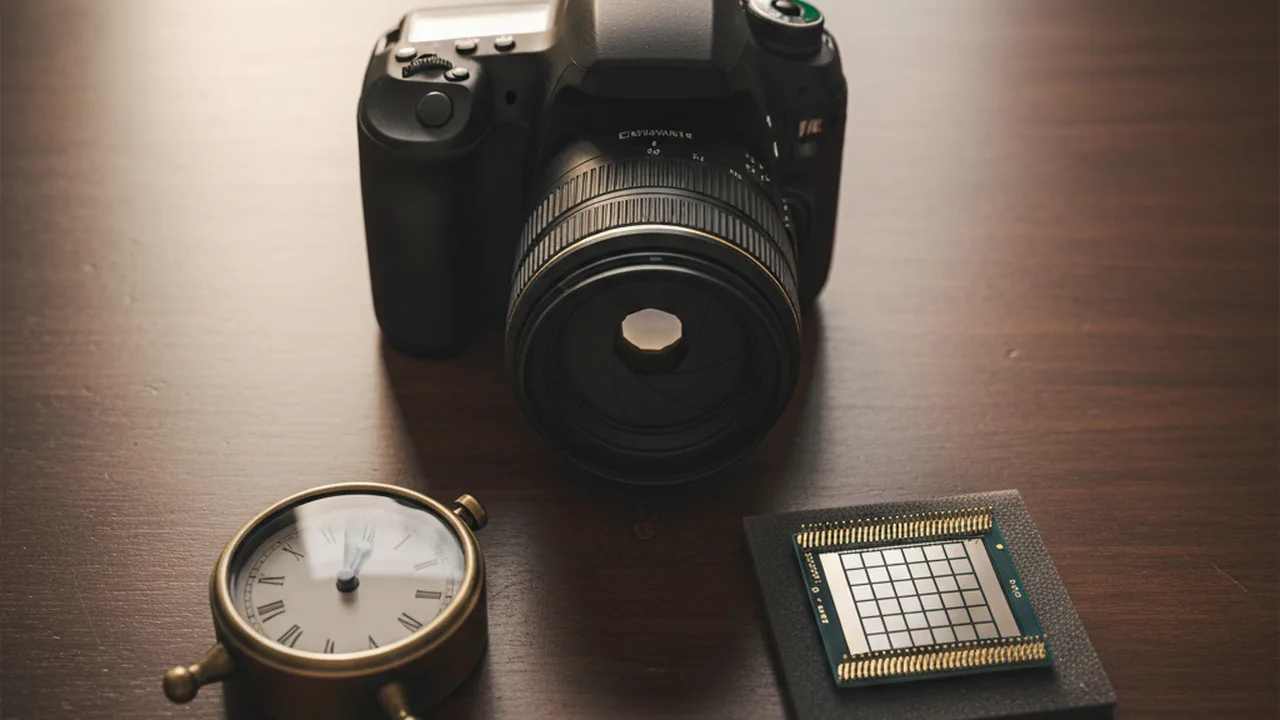
The exposure triangle describes the relationship between three camera settings that together determine how bright or dark your photo turns out: aperture (how wide the lens opens), shutter speed (how long the sensor is exposed to light), and ISO (how sensitive the sensor is to light).
Think of it as a balancing act. Each setting controls a different “faucet” of light. Open one wider, and you need to tighten another to keep the same overall brightness. But here’s what makes it interesting — each setting also has a creative side effect that changes how your image looks beyond just brightness.
| Setting | Controls | Creative Side Effect | Trade-Off |
|---|---|---|---|
| Aperture | Size of lens opening | Depth of field (blur vs. sharpness) | Wide open = shallow focus |
| Shutter Speed | Duration of light exposure | Motion freeze or motion blur | Slow = camera shake risk |
| ISO | Sensor sensitivity | Noise / grain level | High ISO = more noise |
The critical concept: these three settings are interdependent. You can’t change one without affecting the others if you want to maintain correct exposure. Master this relationship, and you’ll stop fighting your camera and start directing it.
Aperture: Your Depth of Field Control
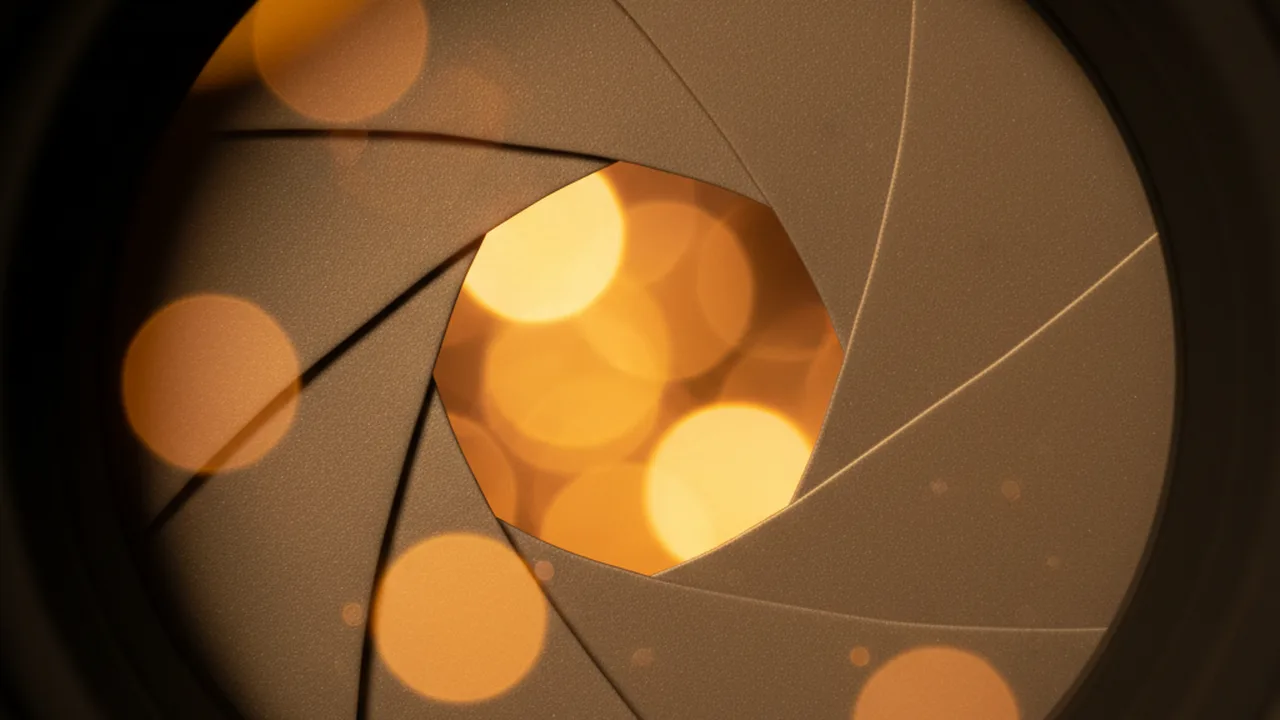
Aperture is measured in f-stops (f/1.4, f/2.8, f/5.6, f/11, f/16, and so on). Here’s the counterintuitive part that trips up every beginner: a smaller f-number means a larger opening. So f/1.8 is a wide-open lens, while f/16 is a tiny pinhole.
Each full f-stop doubles or halves the light entering your camera. Going from f/4 to f/2.8 doubles the light. Going from f/4 to f/5.6 halves it.
How Aperture Affects Your Images
Wide aperture (f/1.4 – f/2.8): Creates that creamy, blurred background (bokeh) that portrait photographers love. Your subject pops against a soft backdrop. The trade-off? Only a thin sliver of your scene is in sharp focus. At f/1.4, even a person’s nose might be sharp while their ears are blurry.
Mid-range aperture (f/5.6 – f/8): The sweet spot for most lenses. Good depth of field, maximum lens sharpness, and enough light for most situations. Most lenses produce their sharpest images around f/5.6 to f/8 — this is called the lens’s “sweet spot.”
Narrow aperture (f/11 – f/22): Everything from foreground to background stays sharp. Essential for landscape and astrophotography. But push past f/16 and you’ll hit diffraction — a physics phenomenon where light waves bend around the tiny aperture blades, actually reducing overall sharpness.
| Aperture Range | Depth of Field | Best For | Watch Out For |
|---|---|---|---|
| f/1.4 – f/2.8 | Very shallow | Portraits, low light, bokeh | Missed focus, soft corners |
| f/4 – f/5.6 | Moderate | Street, travel, general | May need higher ISO indoors |
| f/8 – f/11 | Deep | Landscapes, architecture | Slower shutter speeds needed |
| f/16 – f/22 | Maximum | Macro, sunstars | Diffraction softening |
Shutter Speed: Freezing or Blurring Motion
Shutter speed is the easiest of the three to understand: it’s how long your camera’s shutter stays open, measured in seconds or fractions of a second. A shutter speed of 1/1000s lets in light for one-thousandth of a second. A speed of 1″ (one second) keeps the shutter open a thousand times longer.
Like aperture, each doubling of shutter speed doubles the light. Going from 1/500s to 1/250s doubles your exposure. Going from 1/250s to 1/500s halves it.
Creative Uses of Shutter Speed
Fast shutter speeds (1/500s and above): Freeze motion completely. A hummingbird’s wings at 1/2000s, a basketball player mid-dunk at 1/1000s, water droplets suspended in air. Essential for wildlife photography where subjects move unpredictably.
Medium shutter speeds (1/60s – 1/250s): The everyday range. Fast enough to avoid camera shake when handholding (follow the reciprocal rule: your shutter speed should be at least 1/focal length. Using a 200mm lens? Shoot at 1/200s or faster).
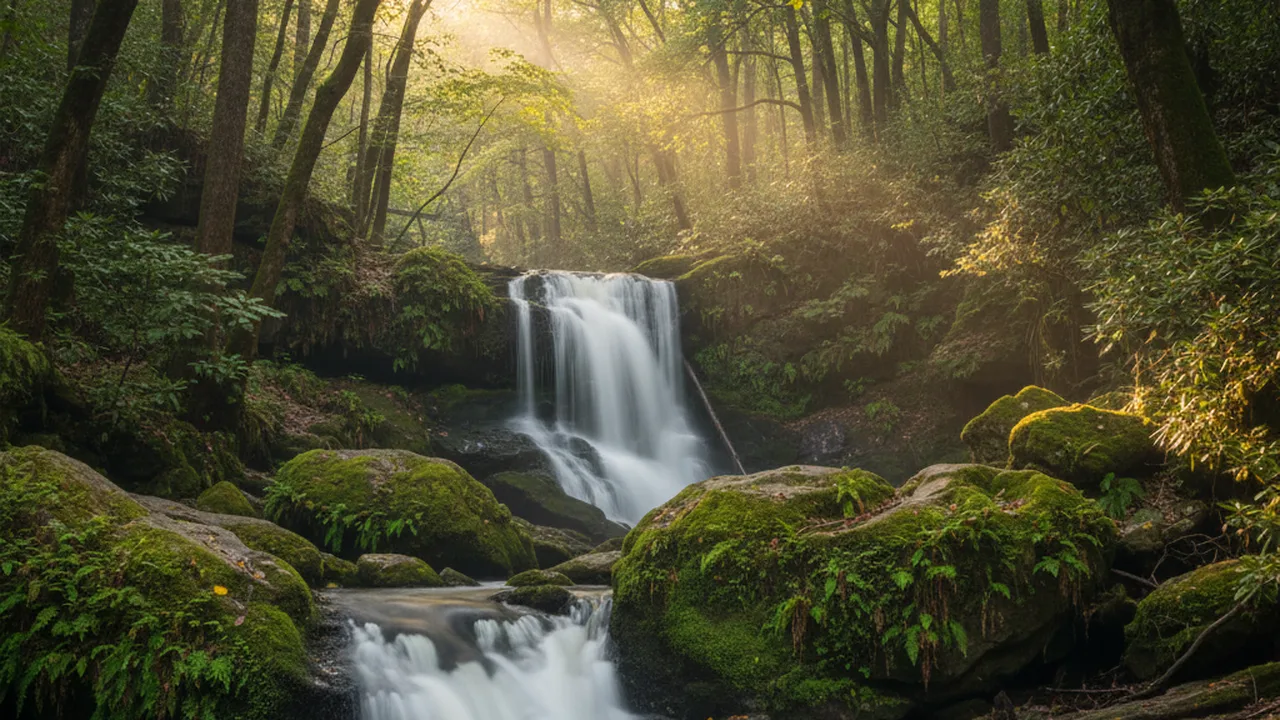
Slow shutter speeds (1/30s and below): This is where long exposure photography begins. Silky waterfalls, light trails from cars, smooth ocean surfaces. You’ll need a sturdy tripod for anything below about 1/60s.
💡 The Reciprocal Rule
To avoid motion blur from camera shake, set your shutter speed to at least 1 divided by your focal length. Shooting with a 50mm lens? Use 1/50s or faster. With a 200mm telephoto? You need 1/200s minimum. Image stabilization can buy you 2–4 extra stops — so that 200mm lens with IS might be fine at 1/50s.
ISO: The Sensitivity and Noise Balance
ISO controls how sensitive your camera’s sensor is to the light that reaches it. Base ISO on most cameras is 100 (some start at 64 or 200). At base ISO, you get the cleanest image with the least noise and the most dynamic range.
Each doubling of ISO doubles the brightness: ISO 100 → 200 → 400 → 800 → 1600 → 3200 → 6400. But there’s a direct cost: noise. Those speckled, grainy artifacts that degrade image quality, especially in shadows and dark areas.
How High Can You Go?
Modern cameras handle noise far better than models from even five years ago. A current full-frame sensor (like the Sony A7 IV or Canon R6 II) produces clean images up to ISO 6400–12800. Crop sensor cameras typically start showing noticeable noise around ISO 3200–6400.
A practical hierarchy for ISO decisions:
- Use base ISO (100–200) whenever light allows — outdoor daylight, studio strobes
- Push to ISO 400–1600 for overcast days, shade, or indoor window light
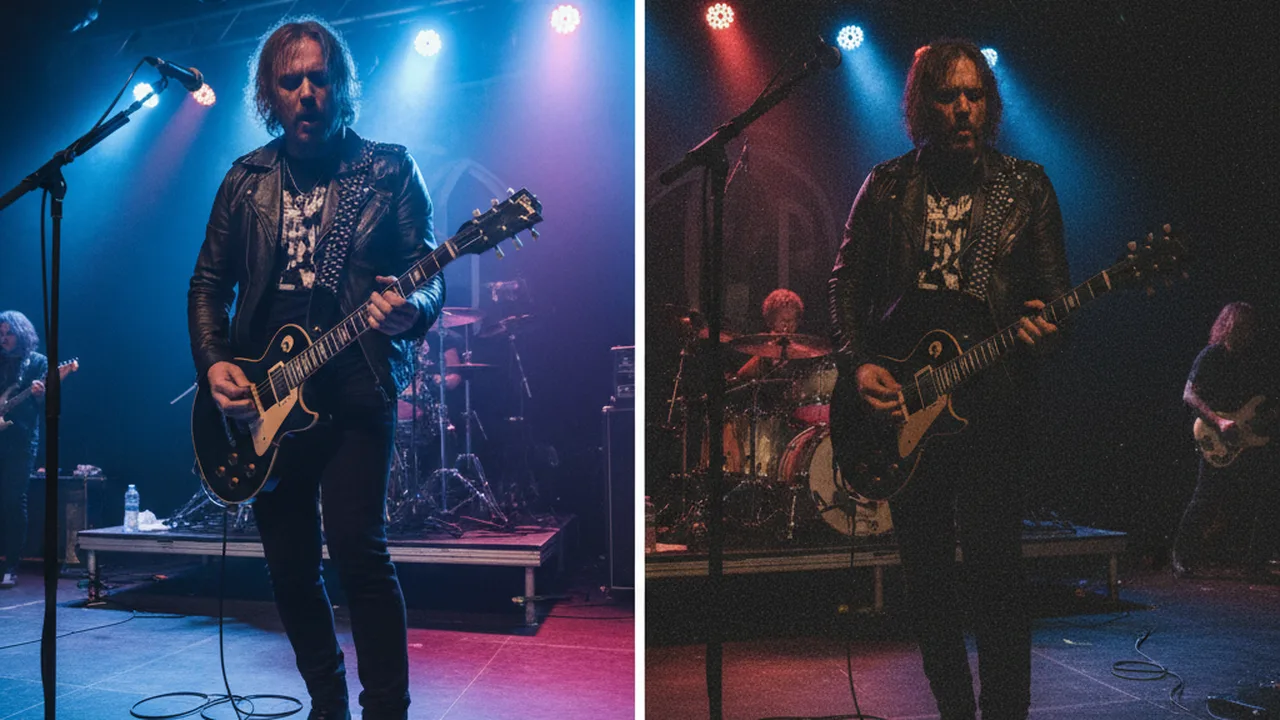
- Accept ISO 3200–6400 for indoor events, concerts, dimly lit scenes
- Go higher only when the alternative is missing the shot — a noisy photo beats no photo
How the Three Settings Work Together
Here’s where the exposure triangle clicks into place. Every photo you take requires a specific amount of light for proper exposure. You can deliver that light through any combination of aperture, shutter speed, and ISO — and each combination produces a different-looking image.
Consider this real example: you’re photographing a child running in a park on a sunny afternoon. The camera’s meter says correct exposure is f/8, 1/250s, ISO 100. All three combinations below produce the exact same brightness:
| Combination | Aperture | Shutter Speed | ISO | Result |
|---|---|---|---|---|
| A (Balanced) | f/8 | 1/250s | ISO 100 | Sharp throughout, slight motion blur |
| B (Freeze action) | f/4 | 1/1000s | ISO 100 | Frozen motion, blurry background |
| C (Max sharpness) | f/16 | 1/60s | ISO 100 | Everything sharp, motion blur risk |
Same light, same exposure, completely different photos. That’s the power of understanding the exposure triangle — you stop accepting whatever the camera chooses and start making deliberate creative decisions.
Stops of Light: The Universal Measurement
A “stop” is photography’s universal unit for measuring light changes. One stop equals a doubling or halving of light. This applies equally to all three settings:
- Aperture: f/4 → f/2.8 = +1 stop (double the light)
- Shutter speed: 1/250s → 1/125s = +1 stop (double the light)
- ISO: ISO 200 → ISO 400 = +1 stop (double the sensitivity)
This is why stops matter: if you need to increase shutter speed by 2 stops (say, from 1/250s to 1/1000s to freeze a bird in flight), you need to compensate by adding 2 stops of light elsewhere. You could open the aperture by 2 stops (f/8 → f/4), raise ISO by 2 stops (ISO 100 → ISO 400), or split the difference — one stop from each.
Practical Scenarios: Choosing Your Settings
Theory only matters if you can apply it. Here are five real-world shooting situations with the thought process behind each settings choice.
Scenario 1: Portrait in Open Shade
You want a blurry background. Start with aperture: set f/2.8 for shallow depth of field. Keep ISO at 100 for clean skin tones. The camera (in Aperture Priority mode) selects 1/320s — plenty fast for a stationary subject. Done.
Scenario 2: Kids’ Soccer Game
Freezing action is the priority. Start with shutter speed: 1/1000s minimum. Set aperture to your lens’s widest (f/4 on a 70-200mm). If the meter still says underexposed, raise ISO until it balances — ISO 400–800 on a sunny day, ISO 1600–3200 on overcast. Use Shutter Priority (Tv/S) mode.
Scenario 3: Waterfall Long Exposure
You want silky water. Start with shutter speed: 1/4s to 2 seconds. Use f/11–f/16 for maximum depth of field. Keep ISO at 100. If the image is still too bright, add an ND filter to cut the light. Mount on a sturdy tripod — non-negotiable at these speeds.
Scenario 4: Indoor Concert
Low light, moving subjects — the hardest combination. Open aperture to its widest (f/1.8 or f/2.8). Set shutter speed to at least 1/125s to freeze performer movement. Accept a high ISO: 3200, 6400, or even 12800 depending on your camera’s noise performance. A noisy shot of the guitarist mid-solo beats a clean shot of an empty stage.
Scenario 5: Landscape at Golden Hour
Maximum sharpness front to back. Set aperture to f/8–f/11 (the lens sweet spot). ISO at 100. The camera may give you 1/30s or slower — use a tripod or rest the camera on something stable. This is where shooting RAW pays off, giving you maximum dynamic range to recover highlights and shadows in post.
Camera Modes and the Exposure Triangle
Your camera’s shooting modes determine which parts of the triangle you control and which the camera handles.
| Mode | You Control | Camera Controls | Best For |
|---|---|---|---|
| Program (P) | Exposure compensation | Aperture + Shutter | Snapshots, point-and-shoot |
| Aperture Priority (Av/A) | Aperture + ISO | Shutter speed | Portraits, landscapes, most situations |
| Shutter Priority (Tv/S) | Shutter speed + ISO | Aperture | Sports, wildlife, panning shots |
| Manual (M) | All three | Nothing | Studio, consistent light, full control |
Pro recommendation: Start with Aperture Priority. It gives you creative control over depth of field while the camera handles the math. Set Auto ISO with a maximum (like ISO 6400) and a minimum shutter speed (like 1/125s). This safety net lets you focus on composition while you learn. Graduate to Manual when you want complete control — especially useful in studio work or consistent lighting.
Common Exposure Triangle Mistakes
After reviewing thousands of beginner photos, these five mistakes come up repeatedly:
1. Staying on ISO 100 in low light. New photographers treat high ISO like a disease. The result? Blurry photos from shutter speeds that are too slow. A sharp photo at ISO 3200 always beats a blurry photo at ISO 100. Raise your ISO without guilt when the light demands it.
2. Shooting wide open all the time. Shallow depth of field looks gorgeous — until both eyes aren’t in focus on your portrait subject, or your group photo has half the people blurry. Stop down to f/4 or f/5.6 for more reliable sharpness in portraits, and f/8+ for groups.
3. Ignoring the shutter speed minimum. If your shutter speed drops below 1/focal-length and you’re handholding, camera shake will soften your image. No amount of post-processing fixes motion blur. Check your shutter speed before pressing the button.
4. Using f/22 for “maximum sharpness.” Diffraction at f/22 actually makes your photos softer than f/11. For landscapes, f/8–f/11 almost always produces sharper results. Only use f/16–f/22 when you genuinely need extreme depth of field or want sunstars.
5. Not using exposure compensation. Even in semi-automatic modes, your camera’s meter gets fooled by bright or dark scenes. Snow scene? Add +1 to +2 stops. Black cat on a dark sofa? Subtract -1 stop. Learn to read your histogram — it’s the most reliable exposure check available.
Frequently Asked Questions
Putting It All Together
Every time you raise your camera, run through this mental checklist:
- What’s my creative priority? Shallow depth of field → set aperture first. Freeze motion → set shutter speed first. Cleanest image → start at base ISO.
- Set that priority setting. Lock in the value you need for your creative vision.
- Set ISO to the lowest usable value. Start at ISO 100 and only go higher if you run out of light.
- Let the third setting fill in the gap — or adjust if the camera’s choice isn’t workable (e.g., shutter speed too slow for handheld).
- Check the histogram. Take a test shot, review, and adjust. The histogram never lies.
The exposure triangle becomes intuitive with practice. Within a few hundred deliberate shots, you’ll stop thinking about stops and start seeing in combinations. That sunset you fumbled with auto mode? With exposure triangle mastery, you’ll nail it in two frames — one for the sky, one for the foreground.
Start today: switch to Aperture Priority, set Auto ISO with a maximum of ISO 6400, and pay attention to how your camera responds as light changes. That single shift puts two-thirds of the triangle in your hands — and that’s where real photography begins.
Master Your Camera Settings
Explore more photography guides — from gear reviews to hands-on shooting techniques.
Explore More Photography Guides
Find the perfect gear and techniques for your next shoot.