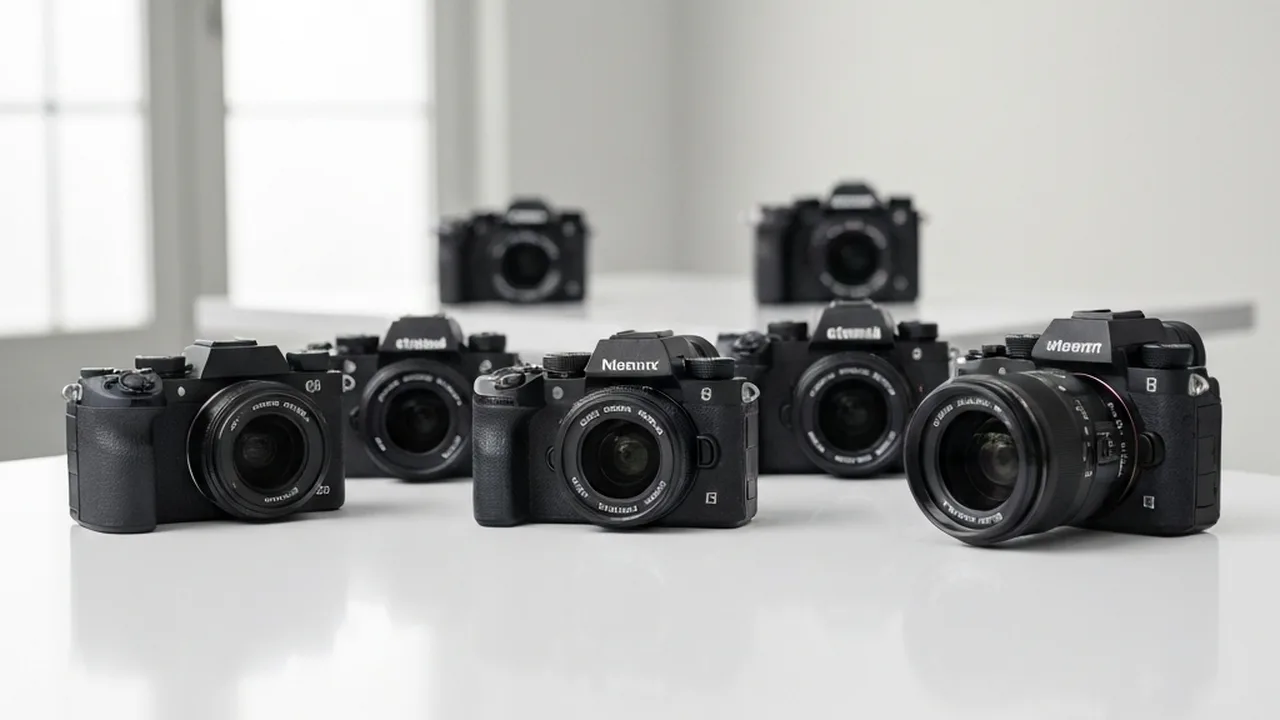
Choosing a video camera starts with the footage you need to deliver. A solo presenter may value dependable face tracking and a screen that faces forward. An event shooter may need two card slots and predictable recording times. A filmmaker working with a crew may prioritize codecs and manual controls. This guide compares six mirrorless cameras for those jobs, plus one dedicated cinema camera for readers willing to work differently.
We compared published manufacturer specifications and recording options; we did not conduct a controlled hands-on test of these seven cameras. The recommendations below are editorial judgments based on those documented features. Check the exact recording mode, card requirements, firmware and current price before buying.
Disclosure: Some Amazon links below are affiliate links. If you buy after following one, Photography Discover may earn a commission at no additional cost to you. Each link searches for the named model; check the seller and exact variant on the listing.
Which camera fits your video work?
- Sony A7S III: choose it when 4K recording, high frame rates and low-light work matter more than high-resolution stills.
- Canon EOS R5 Mark II: choose it when one body must cover 45 MP photographs and demanding 8K or 4K video modes.
- Panasonic Lumix S5 IIX: compare it when your workflow benefits from 6K open-gate recording, ProRes to a compatible SSD and extensive video controls.
- Sony A7 IV: a hybrid option if you want 33 MP stills and can accept a Super 35 crop at 4K60.
- Fujifilm X-H2S: an APS-C option with 6.2K open-gate and 4K120 modes, plus internal ProRes recording.
- Sony ZV-E10 II: a smaller creator body with 4K60 and a front-facing screen; plan around its lack of mechanical in-body stabilization.
- Blackmagic Cinema Camera 6K: a video-first alternative for Blackmagic RAW and an L-mount lens workflow, rather than a conventional photo/video hybrid.
Compare the recording workflow before the headline resolution
Frame rate and crop: 4K30 is enough for many interviews and online videos. Choose 4K60 or 4K120 when you need slower playback or faster action. Check whether the selected mode crops the sensor; the same camera can offer a wider view at one frame rate than another.
Codec and media: 10-bit recording can give color work more room than 8-bit footage, but file size and editing hardware still matter. RAW and ProRes are useful for some productions, not automatic upgrades for every creator. Confirm which modes record internally, which need an external recorder or SSD, and which memory-card rating the manufacturer requires.
Focus, stabilization and sound: Solo presenters benefit from subject tracking. Handheld shooters should compare mechanical in-body stabilization, lens stabilization and electronic modes separately; electronic stabilization often narrows the view. A suitable microphone and a monitoring plan can matter more to an interview than an additional resolution setting.
Recording duration: Heat, ambient temperature, power, chosen codec and storage can all limit a take. Manufacturer maximums are mode-specific. Test your intended setup before a long event or interview instead of assuming every 4K mode runs indefinitely.
Six mirrorless cameras for video, compared
Sony A7S III — dedicated 4K work
The A7S III pairs a 12.1 MP full-frame sensor with 4K recording up to 120p, internal 10-bit 4:2:2 options and two slots that accept SD or CFexpress Type A cards. Sony notes a roughly 1.1× crop at 4K120 and specific card requirements for its highest-bitrate mode. Its 16-bit RAW HDMI output needs a compatible external recorder. These are useful capabilities for a 4K-oriented workflow, while the 12.1 MP stills file is a clear limitation if you also need large photographic crops. Check Sony’s A7S III specifications.
Consider it if: your work is mainly video and you value 4K high-frame-rate options more than high-resolution photos. Find Sony A7S III listings on Amazon.
Canon EOS R5 Mark II — high-resolution hybrid
The R5 Mark II combines a 45 MP full-frame sensor with internal 8K up to 60p RAW recording and 4K up to 120p. Canon offers several codecs and recording modes, so file sizes, suitable CFexpress or SD cards, and operating conditions deserve as much attention as the headline resolution. Do not assume a single crop or thermal behavior applies to every setting. Check Canon’s R5 Mark II specifications and mode notes.
Consider it if: still photography is substantial part of the job and you also need 8K or high-frame-rate 4K options. Find Canon EOS R5 Mark II listings on Amazon.
Panasonic Lumix S5 IIX — flexible recording formats
Both the S5 II and S5 IIX can record 6K at up to 30p; 6K is not an X-only feature. The S5 IIX adds options such as All-Intra recording, ProRes to a compatible USB SSD and streaming features. Its phase-detection autofocus and 5-axis in-body stabilization support solo and handheld use. Some 4K60 modes use an APS-C-sized capture area, and ProRes or high-bitrate settings require appropriate external media. See Panasonic’s S5 II/S5 IIX comparison and mode specifications.
Consider it if: recording formats and an SSD workflow matter more than the smallest possible kit. Compare the standard S5 II before paying for features you may not use. Find Lumix S5 IIX listings on Amazon.
Sony A7 IV — stills and video in one E-mount body
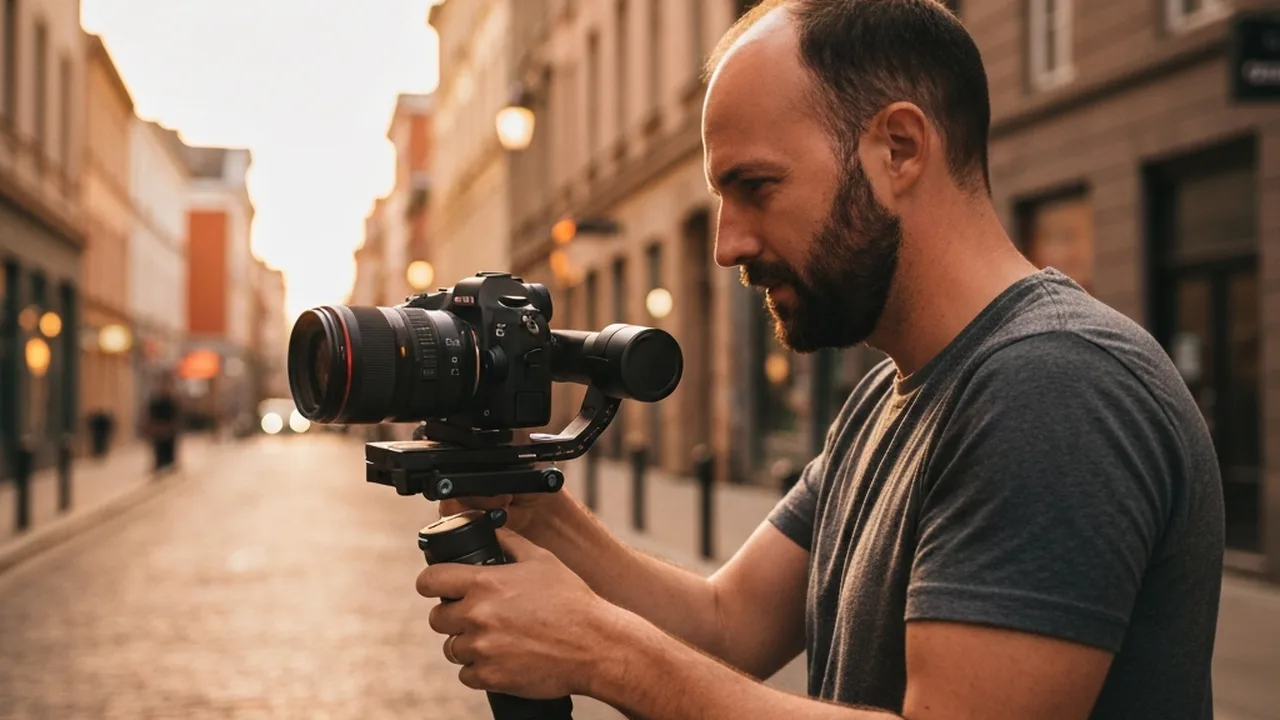
The A7 IV offers 33 MP full-frame stills, 4K up to 30p using a full-frame readout, and 4K up to 60p in Super 35 mode. Internal 10-bit 4:2:2 options make it a flexible hybrid. The 4K60 crop is the main framing trade-off: a wide lens will behave less wide in that mode. Check Sony’s A7 IV specifications.
Consider it if: still-image resolution and full-frame 4K30 are more useful to you than full-frame 4K60. Read our Sony A7 IV lens guide before budgeting the rest of the kit. Find Sony A7 IV listings on Amazon.
Fujifilm X-H2S — APS-C with internal ProRes
The X-H2S has a 26.1 MP stacked APS-C sensor and offers 6.2K open-gate recording up to 30p, 4K up to 120p, and internal Apple ProRes 422-family modes. RAW output over HDMI is a separate workflow that needs a compatible external recorder. The crop and stabilization options vary by recording mode, so check the mode table before choosing lenses for a specific field of view. Check Fujifilm’s X-H2S mode table.
Consider it if: you want the X-mount system and its video modes without assuming APS-C is automatically cheaper or worse in low light. Find Fujifilm X-H2S listings on Amazon.
Sony ZV-E10 II — a compact creator setup
The ZV-E10 II has a 26 MP APS-C sensor, a front-facing screen, microphone features aimed at presenters and 4K up to 60p. Sony lists a slight crop at 4K60. It has no mechanical in-body stabilization: Standard mode can use a stabilized lens, while Active mode applies electronic stabilization and an additional crop. That matters if you plan to walk with a wide lens. Check Sony’s ZV-E10 II product details and stabilization specifications.
Consider it if: a small, simple talking-head or vlog kit is the priority and you can plan for electronic stabilization or support. Find Sony ZV-E10 II listings on Amazon.
One cinema alternative: Blackmagic Cinema Camera 6K
Blackmagic calls this a digital film camera, and that describes its place here more accurately than treating it as another hybrid mirrorless body. It has a full-frame 6K sensor, active L-mount, CFexpress Type B recording and Blackmagic RAW with optional H.264 proxies. The published codec list does not include internal ProRes recording. It has a stills button, so “no photo mode” is also incorrect; its controls and recording workflow are nevertheless geared toward film production. The camera lacks mechanical in-body stabilization and continuous subject-tracking autofocus comparable to the hybrid bodies above. Check Blackmagic’s Cinema Camera 6K specifications.
Consider it if: you work comfortably with manual focus, external support and a Blackmagic RAW editing workflow. For fast solo vlogging or high-resolution stills, start with one of the six hybrid cameras above.
4K, 6K and 8K: how much do you need?
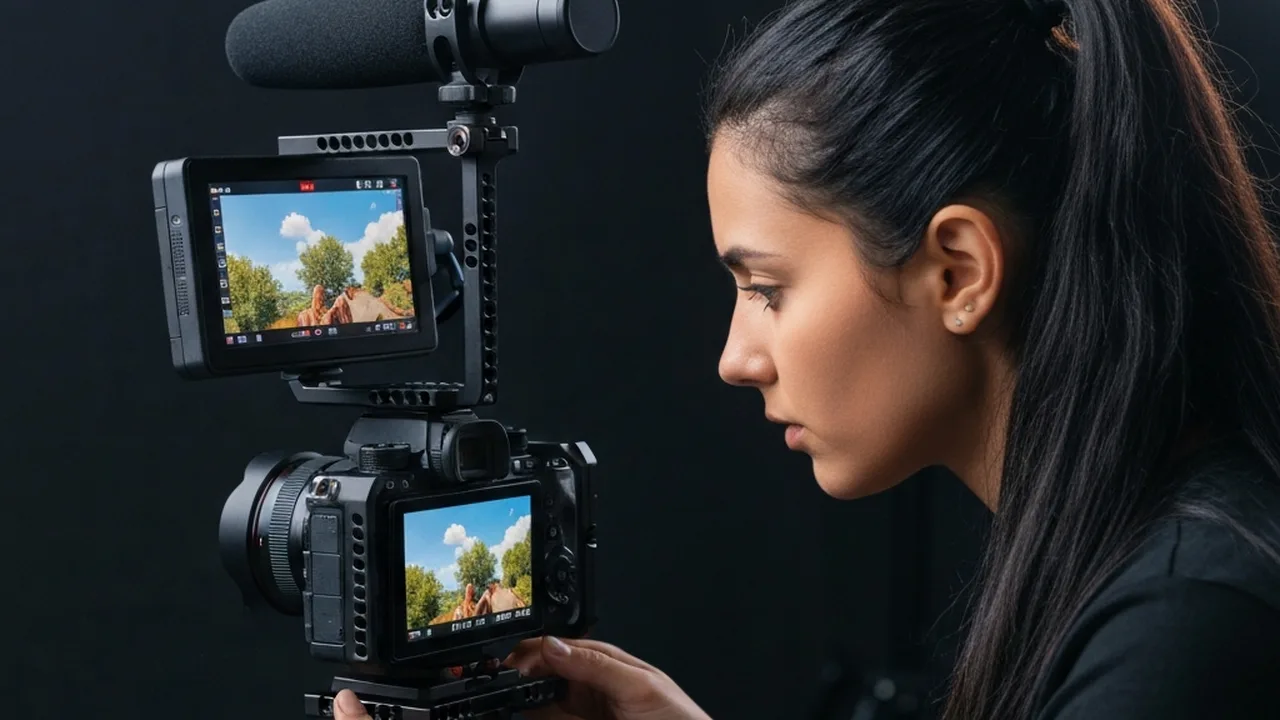
4K is a useful capture and delivery format for many projects. Extra resolution can allow reframing or downsampling, but it also raises storage, editing and power demands. A 6K file can give a 4K delivery some crop room; the amount depends on the actual pixel dimensions and aspect ratio. It does not guarantee that you can enlarge the picture by 50 percent without losing 4K detail. Choose 8K when a real project needs the extra pixels and your cards, computer and backup plan can handle them.
Budget for the complete setup
Price the body together with a suitable lens, microphone, batteries, cards or SSDs, and any support you need. There is no reliable universal rule that a fixed percentage must go to lenses. For an interview, audio and dependable recording may deserve more attention than a faster zoom. For handheld travel work, stabilization and weight may matter more. Manufacturer media tables are especially important for RAW, ProRes and high-bitrate 4K modes.
Try the body in a shop if possible. Check its grip, menu and screen with the accessories you expect to use. If you need smooth movement, compare a tripod or gimbal with the camera’s stabilization rather than assuming one replaces the other. Our ND filter guide explains how filters can help control exposure in bright light.
Frequently asked questions
Do I need 4K120?
Only if your work benefits from slow motion at that resolution. At a 24p timeline, 120p footage can play back at one-fifth speed. Interviews and many vlogs may need no more than 4K30 or 4K60.
Is full frame always better than APS-C for video?
No. Sensor size affects field of view, lens choice and potential low-light behavior, but camera design, lens aperture, stabilization, lighting and recording mode also matter. Compare actual modes and your available lenses rather than applying a universal one-stop rule.
Does the Blackmagic Cinema Camera 6K take photos or record ProRes?
Its specifications list a stills button, so it is wrong to call it photo-incapable. Its listed internal codecs are Blackmagic RAW and H.264 proxies, not ProRes. It remains a video-first camera with a different workflow from the six hybrids here.
Is 10-bit video essential?
It is useful when you expect significant color grading or gradients that could show banding. A well-exposed 8-bit file can still be suitable for simple delivery. Check the bit depth in the exact resolution and frame-rate mode you plan to use.
Our recommendation
For a dedicated 4K workflow, start your comparison with the Sony A7S III. For one body that also needs detailed stills, compare the Canon EOS R5 Mark II and Sony A7 IV, paying attention to their different video modes and crops. The Panasonic S5 IIX and Fujifilm X-H2S are worth examining when recording formats shape the job. The Sony ZV-E10 II suits a lighter creator setup, while the Blackmagic Cinema Camera 6K belongs on the list only if its manual, video-first workflow is deliberate.
These are starting points, not test-lab winners. Match the exact mode, lens, audio and storage budget to your project, then verify the current manufacturer specification and seller listing.